Track every booking, payment, and customer event in real-time. One URL, two minutes of setup, zero code required.
No developer needed. No complex setup. Just paste a URL and your data starts flowing into Google Analytics 4.
Create a project, copy your unique webhook URL, and paste it into Square Dashboard. That's it — no code, no plugins, no complexity.
Track bookings, payments, customers, subscriptions and custom attributes. Choose exactly which events to send — full control over your data.
Automatically detect where each booking came from — your website, Square dashboard, third-party partners, or API. Know your best channels.
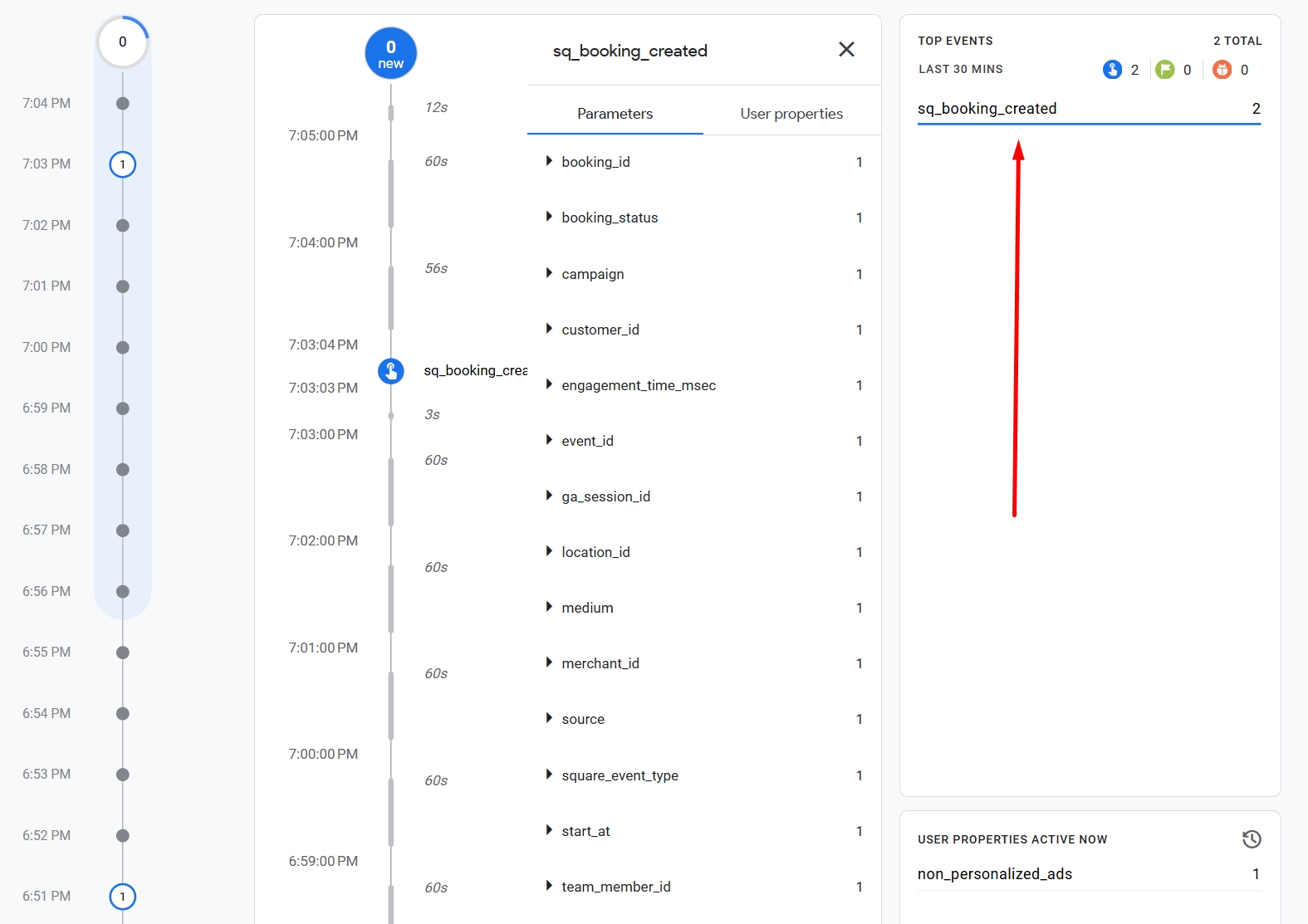
Events appear in GA4 DebugView and Realtime reports within seconds. See booking trends, payment funnels, and customer behaviour live.
Manage several Square accounts or GA4 properties from one dashboard. Each project gets its own isolated webhook URL and settings.
Every webhook request is verified using Square's HMAC-SHA256 signature. Unique tokens per project. Your credentials are never exposed.
No developer, no configuration files, no server setup. Just follow four steps.
Sign up at SquareHook. Free to start, takes 30 seconds.
Enter your Square Webhook Signature Key and GA4 Measurement ID + API Secret.
Each project gets a unique URL like square.yason.studio/wh/abc…
Square Dashboard → Webhooks → Add Subscription → paste URL → done.
Choose which of the 19 supported event types to forward to GA4. Mix and match per project.
Security isn't an afterthought. Every request is verified, every credential is protected.
Every incoming webhook is verified against Square's cryptographic signature. Forged or tampered requests are rejected before processing.
Each project gets a cryptographically random 32-character token. Compromise one project and the others remain completely unaffected.
All traffic is encrypted in transit via TLS. Your Square credentials and GA4 secrets are never transmitted or stored in plain text.
Free to start. No credit card required. Your first booking event in GA4 in under 2 minutes.